
Making and Receiving Calls
Making an outgoing call
-
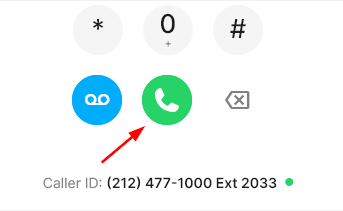
Dial the number for the outgoing call you'd like to make by using the keypad, or typing or pasting the number into the Dial a number section. Then click enter or click the green call button.
-
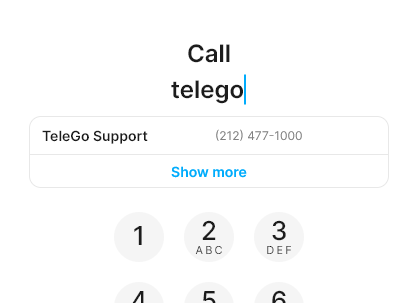
You can also search for a contact by starting to type in a phone number or name the Dial a number field, and selecting one of the search results. Then click enter or click the green call button.
Receiving an incoming call:
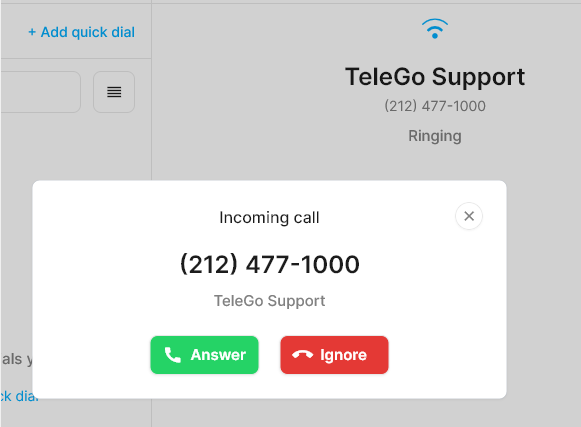
There are two ways to accept an incoming call:
- Directly from the app.
-
2. Windows notification:
Answer or decline a call directly from your Windows notification when the app is minimized.
